For homeowners with a Tesla Powerwall 2 or Powerwall 3 and a zappi EV charger.
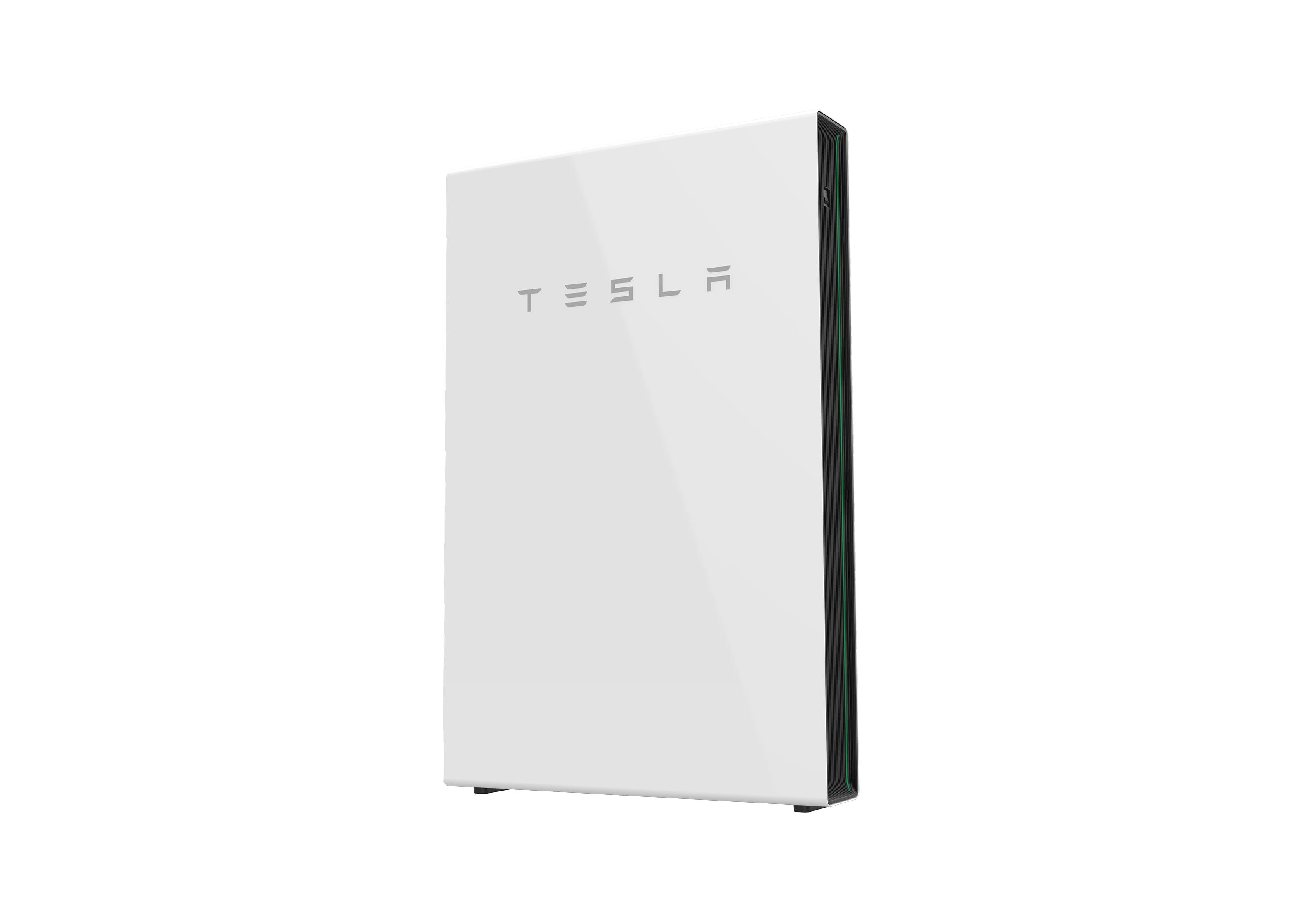
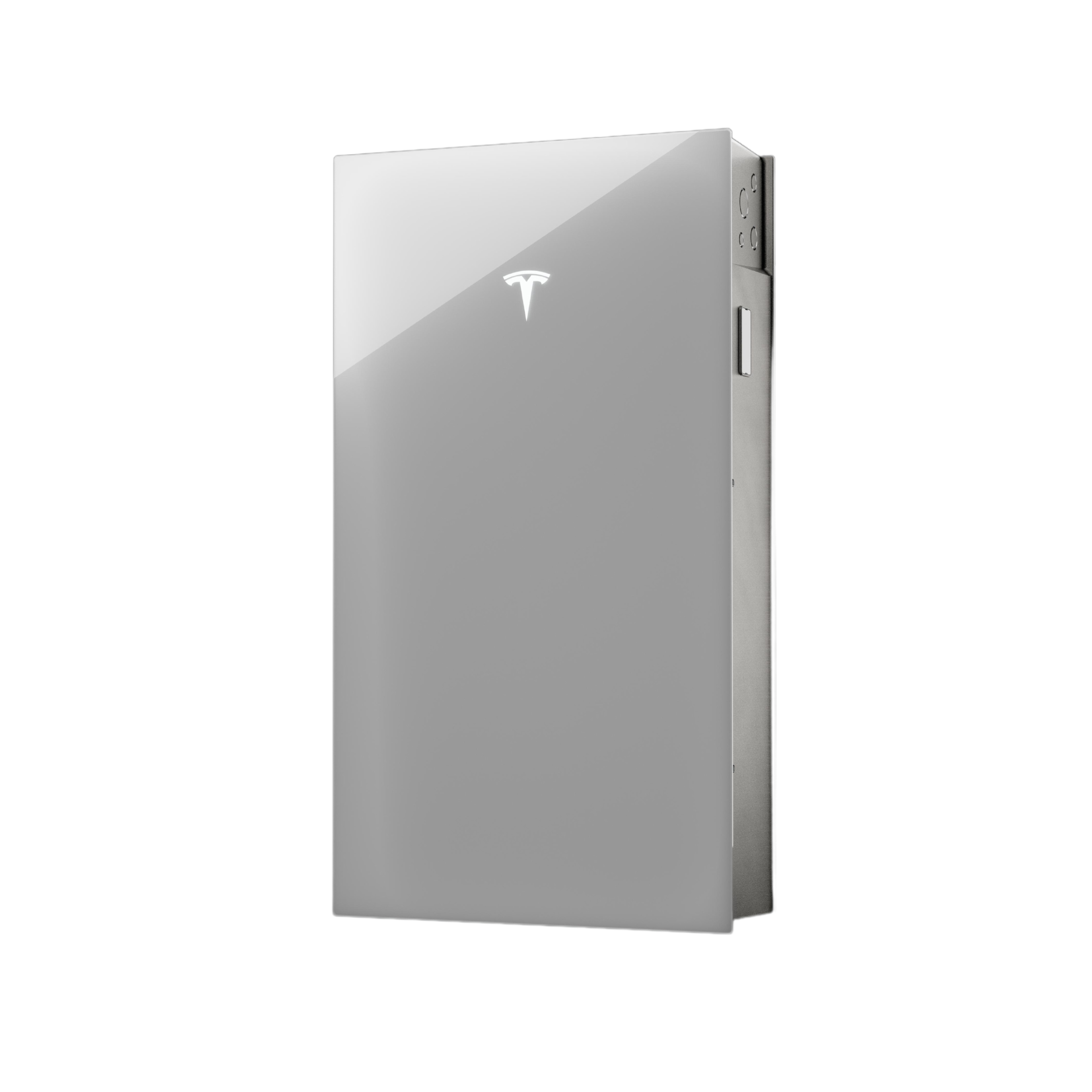
In short: zappi works with Powerwall out of the box. With the right settings, your EV charges from surplus solar — and your battery stays full for the evening.
Why Does My EV Charger Drain My Home Battery?
It's not your EV charger draining the battery — it's your battery choosing to discharge. Your Powerwall is programmed to cover any shortfall between solar and household demand. It can't tell the difference between an EV charger and a kettle — it sees a load and does what it's designed to do.
The problem is scale. A Powerwall 2 or Powerwall 3 stores 13.5 kWh. An EV can need 40–80 kWh for a full charge. Your battery isn't designed to fill your car — it's built to power your home overnight. No EV charger can directly tell a third-party battery what to do, so zappi takes a different approach — it manages the energy flows that the battery can see, so the battery makes the right decision on its own.
Does zappi Work with Tesla Powerwall?
Yes. zappi is battery and inverter agnostic — it works with Powerwall 2, Powerwall 3 and every other residential battery in Australia. No extra hardware, no subscriptions, no software integration. It uses its own CT (sensor) clamps at the switchboard to monitor your home's energy flows independently.
How zappi Protects Your Battery
Rather than communicating with your Powerwall, zappi controls what the battery sees — so the battery's own logic works in your favour.
In ECO+ mode, zappi only charges your EV when there's genuine surplus solar being exported. If the surplus drops below the minimum charge rate (~1.4 kW), charging pauses. Because zappi backs off before surplus runs out, your battery never sees a shortfall — so it never has a reason to discharge.
Quick-Start Settings
Set these on your zappi:
Export Margin → 150W — Installer Settings > Supply Grid > Network > Export Margin
Min Green Level → 100% — Charge Settings > ECO+ Settings > Min Green Level (or adjust in myenergi app)
Charging Mode → ECO+ — use the arrows on the main screen
The result: Solar powers your home → surplus charges your Powerwall → anything left over charges your EV. The battery thinks it's last in line — zappi makes sure of it.
Want to deliberately use the battery to charge your EV? Switch to ECO or FAST mode and the battery will see the load and discharge to meet it.
Setting Up Your CT Clamps - Hybrid setup
The only CTs zappi needs are the grid CTs (CT1) — included with every zappi. An additional CT on your Powerwall and Solar inverter is optional but gives you added visibility in the myenergi app.
Your Powerwall 3 when DC coupled handles both solar and battery through a single unit. If you add a CT, it must go on CT3 — this input is bi-directional, so it can read energy flowing both ways. CT2 is uni-directional and won't work correctly on a hybrid inverter.
CT1 → Grid — on the incoming mains (essential — included with zappi)
CT3 → Gen & Battery — on your Powerwall hybrid inverter output (optional — reads the combined solar + battery output, can't separate the two)
Because a hybrid inverter combines solar and battery into one output, the export margin setting is especially important for preventing battery drain in these systems.
Setting Up Your CT Clamps - AC Coupled
The only CTs zappi needs are the grid CTs (CT1) — included with every zappi. Additional CTs are optional but give you added visibility in the myenergi app.
Your Powerwall can have a separate solar inverter and battery inverter, so zappi can monitor each independently:
- CT1 → Grid — on the incoming mains (essential — included with zappi)
- CT2 → Generation Only — on your solar inverter output (optional — uni-directional, suited to sources that only flow one way)
- CT3 → AC Battery — on your Powerwall battery inverter output (optional — bi-directional, reads both charge and discharge)
Without CT2 and CT3, ECO+ mode and the export margin still protect your battery.
Charging from the Grid Without Draining the Battery
Occasional grid charging (e.g. before a long trip)
Use your Powerwall battery's built-in settings. Most batteries have a grid charge, preserve, or backup reserve mode that prevents discharge during a set window. Schedule your zappi to charge at the same time and the battery holds its charge because you've told it to. If both battery and EV are charging from the grid simultaneously, the battery can't discharge to the EV — it's busy charging itself. The combined draw can be significant, so setting up zappi's load balancing is essential to avoid overloading your main fuse.
Regular overnight charging — wiring approach
For regular grid charging, the most reliable fix is a wiring change at install time. The goal is to position zappi on a circuit the battery's consumption CT cannot measure. The battery doesn't know the charger exists, so it never discharges to meet the load.
How this is achieved depends on your region:
In UK, Ireland and Europe: This is typically done using a Henley Block — zappi is wired on its own tails off the Henley Block, separate from the main consumer unit. The battery's CT is positioned on the main board side only, so the zappi load is invisible to it.
In Australia: Henley Blocks are not permitted under wiring regulations. The equivalent approach is a dedicated circuit run directly from the main switch, independent of the house distribution board and the battery's CT monitoring zone. Same outcome — different path. Discuss the installation method with your electrician at install time.
Common Questions
Will this void my Powerwall warranty?
No. zappi connects at the switchboard only — it doesn't communicate with or modify your battery or inverter.
What about three-phase?
zappi Multiphase supports single-phase (7 kW) and three-phase (22 kW). Same battery integration principles apply